
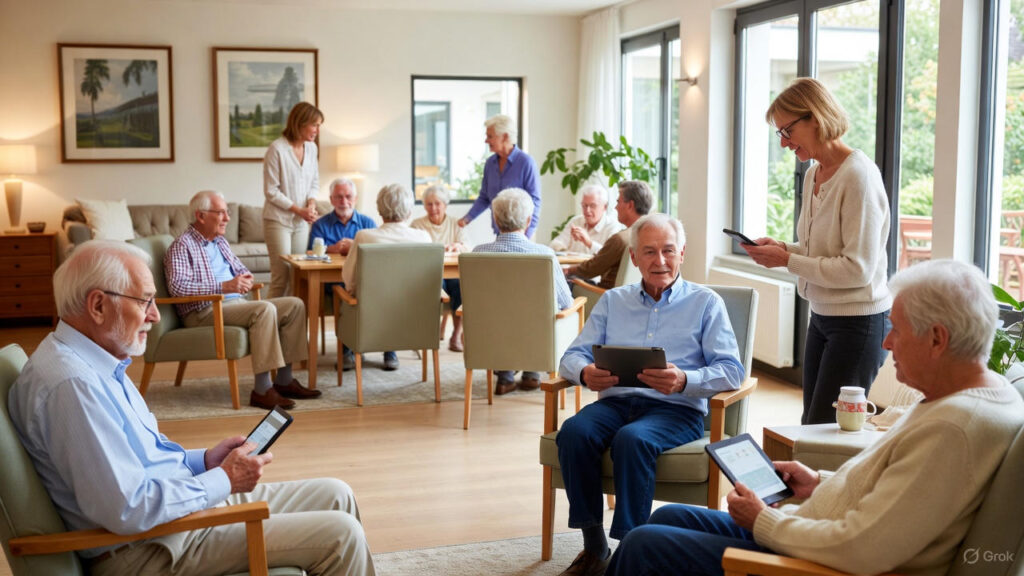
Aging Well How Technology Is Changing Senior Care for the Better
Technology is changing how older adults live at home and in communities. For many families the goal is to keep a loved one active and connected while reducing risk and unnecessary hospital visits. New tools do this by tracking health signals, sending alerts when help is needed, and making it easier to stay in touch with clinicians and caregivers.
This article looks at real world examples that show how tech is making daily life safer and more manageable for seniors. You will find practical tips for selecting tools, guidance on privacy and costs, and links to further reading so you can make choices that match the needs of the person you care about.
How technology supports independence for older adults
Independence is the priority for many older adults. Simple technologies can preserve freedom while reducing risk. Examples include medication reminders that use voice prompts or phone alerts and automatic lighting systems that cut the chance of trips at night. When small barriers are removed daily routines remain intact.
Beyond convenience, data from devices gives family members and clinicians insights into patterns that a single visit cannot reveal. Trends in sleep quality, activity levels, or heart rate can flag a problem early so that care can be adjusted before an emergency. That proactive view often leads to fewer urgent interventions and better quality of life.
Wearable devices for fall detection and health monitoring
Wearable devices are now widely used because they are portable and can continuously collect health data. Many designs look like watches or pendants so people are willing to wear them. Core capabilities include fall detection, heart rate monitoring, and automatic alerts when readings cross predefined thresholds.
Real examples of how wearables help
A retired teacher wore a wrist device that detected a sudden drop in motion and sent an alert to a neighbor and to emergency contacts. The prompt response reduced the length of time she spent on the floor and sped recovery. In another case an older man’s irregular heart rhythm triggered an alert that led to a cardiology consult and medication adjustment.
Tips for selecting a wearable
- Choose a device with a reliable battery life so charging does not become a daily burden.
- Look for a comfortable strap and a design the wearer likes to encourage continuous use.
- Check whether alerts go to multiple contacts and whether there is an automatic emergency call function.
- Ask about false positive rates for fall detection to reduce unnecessary anxiety or calls.
Home sensors and emergency response systems
Non wearable sensors reduce the friction of technology by working silently in the background. Motion sensors can show if someone has not moved for a long period. Door sensors track departures and returns. Pressure sensors in chairs or beds provide information about daily patterns without requiring the person to wear a device.
When linked to response services, these systems create a safety net. For example a home sensor may detect that a baker who usually gets up at 7 am has not left the bedroom by 9 am. An alert can prompt a friendly check in by a caregiver or neighbor. For people living alone this layer of attention helps catch problems early.
Telehealth and remote consultations for routine care
Remote visits reduce travel and exposure to crowded clinics. Many primary care providers and specialists now offer video visits for medication reviews, behavioral health, and follow up after a hospital stay. Telehealth is particularly convenient for mobility limited patients and for caregivers juggling schedules.
To make the most of a remote visit have a list of current medications and recent symptom changes ready. Position the camera to show the patient clearly and ask a family member or caregiver to join if complex decisions are needed. When physical exams are required a hybrid model that mixes virtual and in-person visits often works well.
Privacy data security and ethical considerations
Collecting health and behavior data raises understandable questions about who sees that information and how it is stored. Before purchasing a device or service read the privacy policy and ask where data is stored and who can access it. Prefer companies that use encryption and that offer user controls for sharing data.
Be mindful of consent if the person has cognitive decline. Discuss monitoring openly and set boundaries that respect dignity. For example agree on which alerts are shared with family and which require direct consent for broader sharing. This builds trust and reduces the chance of conflict later.
Community resources and connecting with local programs
Technology works best when it fits into a wider plan that includes local services. Many communities offer classes on using tablets and phones for older adults. Libraries, senior centers, and health systems often host sessions that teach basics like downloading telehealth apps or setting up emergency contacts.
If you are exploring options locally look for pilot programs that test new products with seniors. These initiatives allow you to try technologies at low or no cost before committing. When you need product recommendations a local clinician or social worker can point you to devices that have worked well for other people in the same area. For an example of wearable safety devices being used within a community context see this resource on senior safety solutions
Choosing the right devices services and support plan
Selecting technology should match daily routines needs and budget. Start with one small change and measure its effect. For instance begin with a simple medication reminder and check whether adherence improves over a month. If that works consider adding a fall detector or a room sensor.
Here are practical steps to make the selection process easier
- List the most important daily risks and challenges like falls medication errors or missed appointments.
- Prioritize features that directly address those risks rather than buying a device with many unused functions.
- Factor in training and technical support so the person and caregivers can use the device without frustration.
- Consider service costs such as monthly monitoring fees and any cancellation terms.
- Ask for trial periods and read customer reviews from similar age groups and living situations.
Practical integration tips for caregivers and family
Introducing tech to a daily routine requires patience and a plan. Use these practical ideas to reduce resistance and improve adoption
- Start small and celebrate small wins like remembering a medication on time or completing a telehealth visit successfully.
- Pair the device with a familiar routine such as charging a wearable at bedtime with the bedside lamp plug.
- Create a one page cheat sheet with steps for basic troubleshooting and emergency contact numbers.
- Rotate responsibilities so one family member handles tech support and another handles appointments to avoid burn out.
Cost considerations and funding options
Cost is often the primary barrier to adopting new tools. Some devices have low upfront cost but monthly fees. Others require a single purchase. Explore funding options like veteran benefits community grants and local aging services programs that subsidize safety equipment. Health insurance may cover certain remote monitoring services when ordered by a clinician.
When comparing costs think about potential savings such as fewer emergency visits and delayed need for higher levels of care. In many cases an effective monitoring plan pays for itself through avoided hospital stays and reduced caregiver stress.
Choosing the right combination of devices and supports requires balancing immediate needs with long term goals. A phased plan that starts with one reliable tool and expands based on results often works best. Keep communication open with the person who will wear or live with the device and revisit choices regularly as needs change.
Technology is offering practical ways to keep older adults safe connected and engaged. From wearable sensors that detect falls to home systems that track activity patterns these tools provide timely information that family members and clinicians can act on. By focusing on ease of use privacy and measurable benefits you can select solutions that fit everyday life.
If you are ready to explore options start by identifying the highest risk areas in daily life and look for a single tool that addresses that need. Try products with trial periods get input from local programs and set clear sharing rules for data. Small steps now can lead to fewer emergencies and a better daily experience for the person you care about. Reach out to a health professional or local aging service to discuss which combination of tools makes sense. Taking action today creates a safer more connected tomorrow.


